
Weather Terminal
Weather Terminal grew out of a personal interest in forecasting and a more specific idea: weather should be interpreted through activities, not dumped as a wall of generic numbers. The project became both a standalone product concept and a personal training ground, and it still continues as a side project even if it is not where most of my current focus goes.
Why I built it
Weather Terminal came from genuine personal interest. I like forecasting for its own sake, not only as a utility, and I wanted to explore that interest through a more stylized product idea instead of treating it like a standard weather dashboard.
The question I cared about was not only "what is the temperature?" but "what does this weather mean for walking, driving, staying outside, filming, or planning the rest of the day?" That pushed the concept away from a generic dashboard and toward a forecast that is stylized around activities and their relevant constraints.
It was also a personal React training project for me. It helped me refresh knowledge about interface structure, theming, frontend decisions and general product work inside something I actually cared about.
At the same time, I do not see it as a dead experiment. It is simply not my main focus project. I still have more ideas I want to try in it, and a mobile app version is already in progress as part of that side-project path.
The concept: weather stylized around activities
The central idea is that different activities care about different slices of the same forecast. Someone planning a walk, a drive, an outdoor session, or a day of errands does not need the same framing even when they are looking at the exact same weather data.
- Activity-based interpretation: the interface highlights the details that matter for the activity in front of you instead of treating every metric as equally important.
- Relevant information only: the product tries to surface what actually changes the decision, such as comfort, visibility, rain risk, wind behavior or general outdoor feel.
- Stylized presentation: the tone and layout are meant to feel more like a guided interpretation than a spreadsheet of atmosphere.
- Color-coded activity scoring: the scoring sliders use color to show at a glance how favorable the conditions are for that activity.
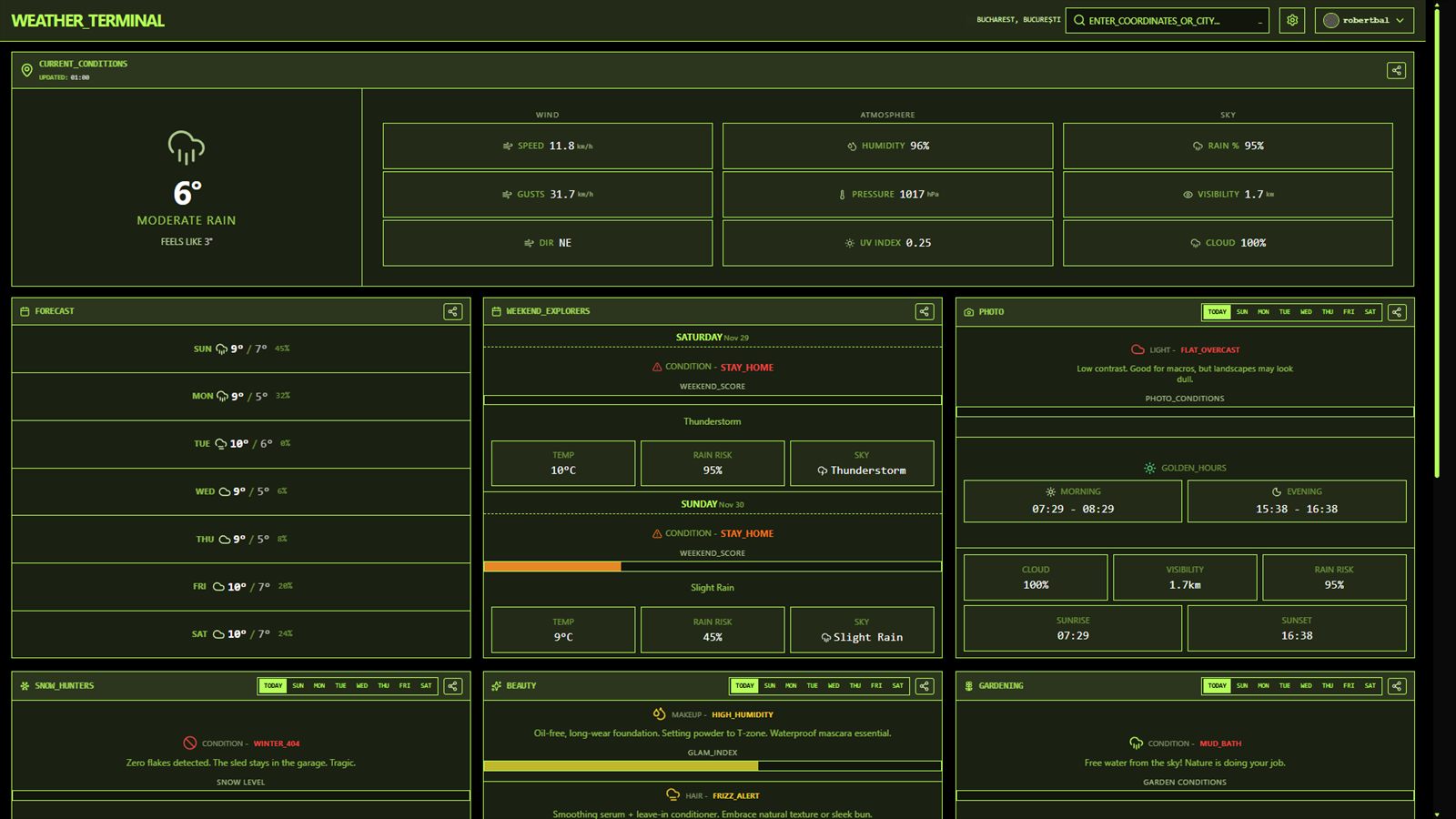
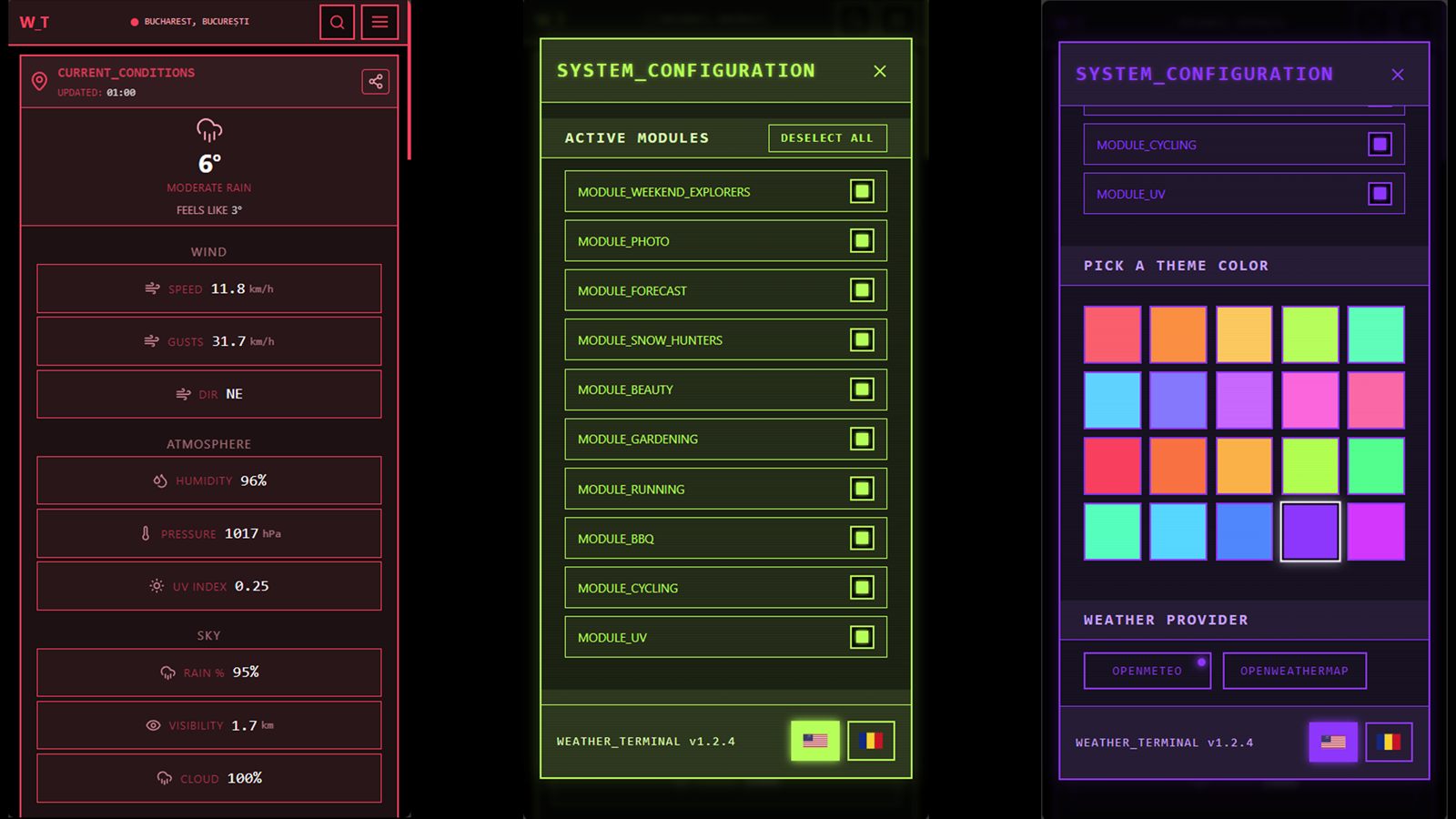
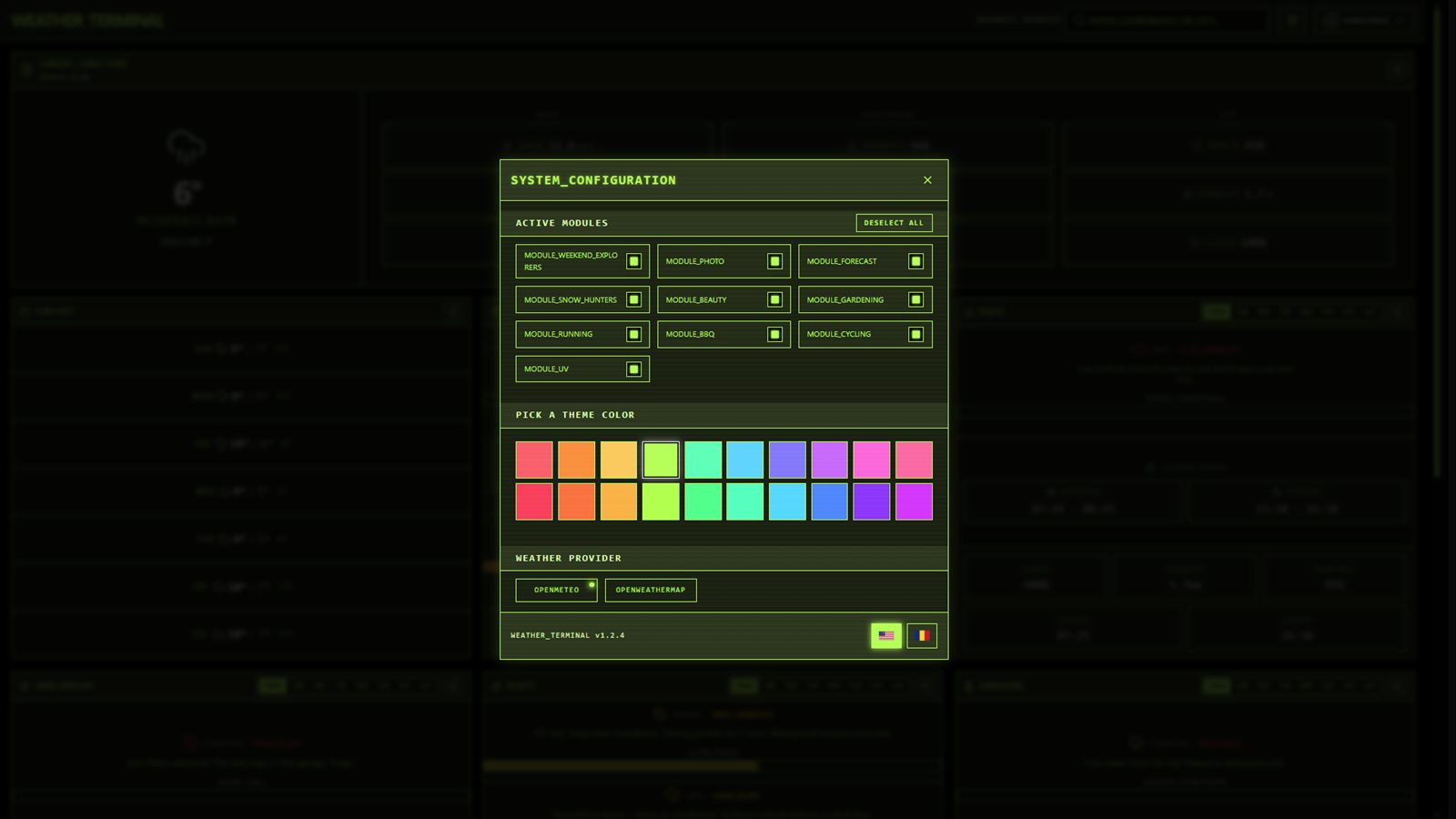
I want the forecast to feel like it already understands the activity you care about, then hands you the part of the weather that actually matters.
Providers, accounts and the product layer
Another important part of the concept is that the product is not locked to a single source of weather information. I wanted multiple providers in the model so the app could support more than one feed and stay flexible as I keep developing it.
The account system is tied to a practical limitation, not a fake product layer. The second provider sits behind sign-in because its daily calls are limited under a paid plan, and for now I am not paying for weather data.
Because of that, account access works as a simple gate around limited usage rather than something I added just to force profiles into the app.
What the project gave me
Weather Terminal still matters to me because it sits exactly at the intersection of personal interest and technical practice. It let me build around a subject I already enjoyed while improving the parts of React work that become much easier only after real repetition.
In that sense, it was an experiment, a personal passion project, and a React training project at the same time. It helped me refresh knowledge about interface structure, feature access and how to present a niche idea more clearly.
It is also still open-ended. Weather Terminal is not where I put my main energy every day, but it remains active in the background as a side project, with more ideas ahead of it and a mobile version currently being worked on.